





AI CAD Software for Garment Iteration: A Workflow Comparison
Compare documented AI and automation functions for garment patterns, sewing, simulation and nesting, with product and plan boundaries.
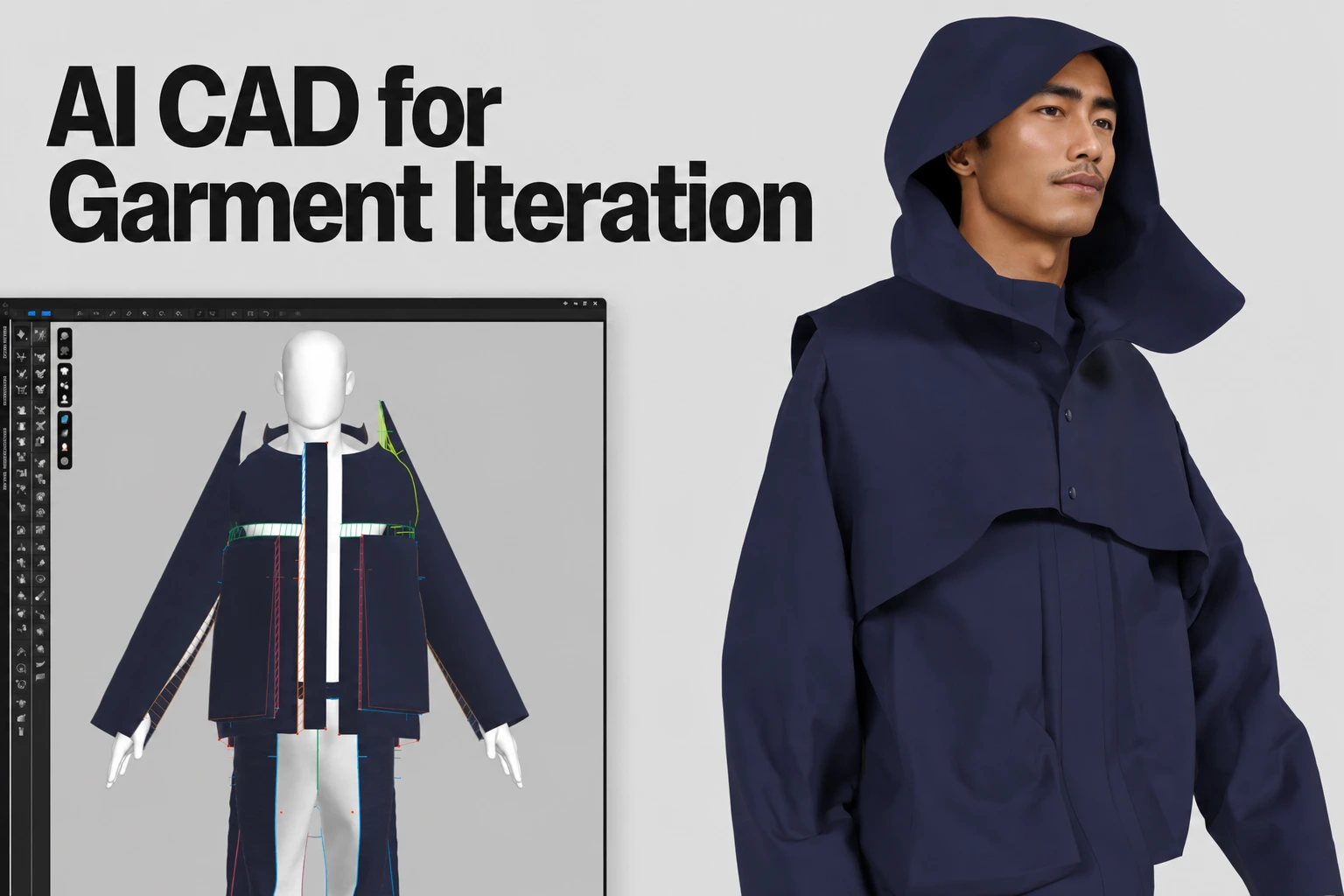
The AI-assisted CAD field for garment iteration
This page explains where AI enters garment iteration in CLO and lists other CAD tools that teams often evaluate. It describes CLO from its official documentation; check each other vendor’s current features and pricing directly with that vendor and test them on your own garment.
The short version
CLO’s Pattern Drafter can create a starting pattern from an image or prompt, alongside measurement-based drafting and grading. Browzwear VStitcher, Optitex, TUKAcad and Style3D Studio are other CAD tools teams evaluate; confirm their current AI and automation features with each vendor.
| Tool | Type of tool | Where to check details |
|---|---|---|
| CLO | 3D garment design, patternmaking and simulation | Pattern Drafter manual |
| Browzwear VStitcher | 3D garment design and simulation | Browzwear’s current documentation |
| Optitex | 2D/3D pattern CAD | Optitex’s current documentation |
| TUKAcad | Pattern, grading and marker CAD | Tukatech’s current documentation |
| Style3D Studio | 3D garment design and simulation | Style3D’s current documentation |
CLO: AI-assisted drafting tied to one pattern and simulation file
CLO AI Pattern Drafter generates a starting pattern from supported image/prompt inputs. Its parametric drafting and grading use entered measurements; direct pattern editing breaks the parametric link. CLO 2026.0 introduces Sketch on Avatar. Inspect generated geometry, construction and fit.
Check CLO’s release history and Pattern Drafter manual for the specific installed version and supported inputs; do not treat all drafting, grading and sketch tools as the same AI operation.
See CLO's AI-assisted pattern tools
Check current plan and version availability before you commit a workflow to it.
Other CAD tools teams evaluate
Browzwear VStitcher, Optitex, TUKAcad and Style3D Studio each describe their own pattern, simulation and automation features, and those features, plans and prices change between releases. Confirm the current details with each vendor, then run the same representative garment through every tool you are considering: draft or import the pattern, grade it, simulate it, and inspect the export in the receiving workflow.
FAQS
AI-assisted CAD for garment iteration
Can CLO draft a pattern from an image or description?
Yes. CLO's Pattern Drafter accepts text prompts or uploaded garment images to help create a starting pattern. The official guide explains its measurement, avatar-matching, and grading workflow. Review the generated pattern before production.
How should I compare AI features across CAD tools?
Use each vendor's current documentation for its features, then test the same garment in every tool. Compare the actual pattern, sewing, grading, simulation and export results rather than feature lists.
Note: The feature descriptions, pricing, and product details on this page are based on official vendor materials at the time of review. Software capabilities, version features, and plan pricing may change over time; readers should verify current specifications directly on each provider's official website.
Related reading