How CLO Supports Technical Design: 2D Patterns, Fit Maps, Grading, and Production
CLO brings 2D pattern development, 3D garment simulation, measurement-led grading, and production workflows together for fashion technical design. Learn how CLO and CLO-SET support design review and collaboration.
Key takeaways
- A connected technical-design workflow: CLO combines 2D pattern creation and editing with 3D garment simulation, helping teams evaluate construction and appearance as a design develops.
- Measurement-led pattern work: Pattern Drafter, points of measure, and grading tools support structured pattern development and size review.
- Fit and fabric review: CLO uses fabric physical properties to determine and apply maximum wearable strain, supporting digital fit review alongside physical validation.
- Production and collaboration: CLO supports production-data workflows, while CLO-SET provides a separate shared environment for reviewing and sharing digital work.
- Verified student access: CLO offers a Student plan for verified students. Check CLO’s current student guidance for eligibility and verification details.
CLO for technical design
CLO is built for fashion product development: teams can create or edit 2D patterns, simulate garments on avatars, and review fabric, fit, and silhouette in one workflow. That makes CLO a strong foundation for technical designers who need to move from pattern decisions to a clear digital sample without losing sight of garment construction.
The aim is not to treat a simulation as a substitute for every physical check. Instead, use CLO to make design decisions visible earlier, focus physical sampling on the questions that still need validation, and share a clearer view of the garment with collaborators.
Develop patterns and review them in 3D
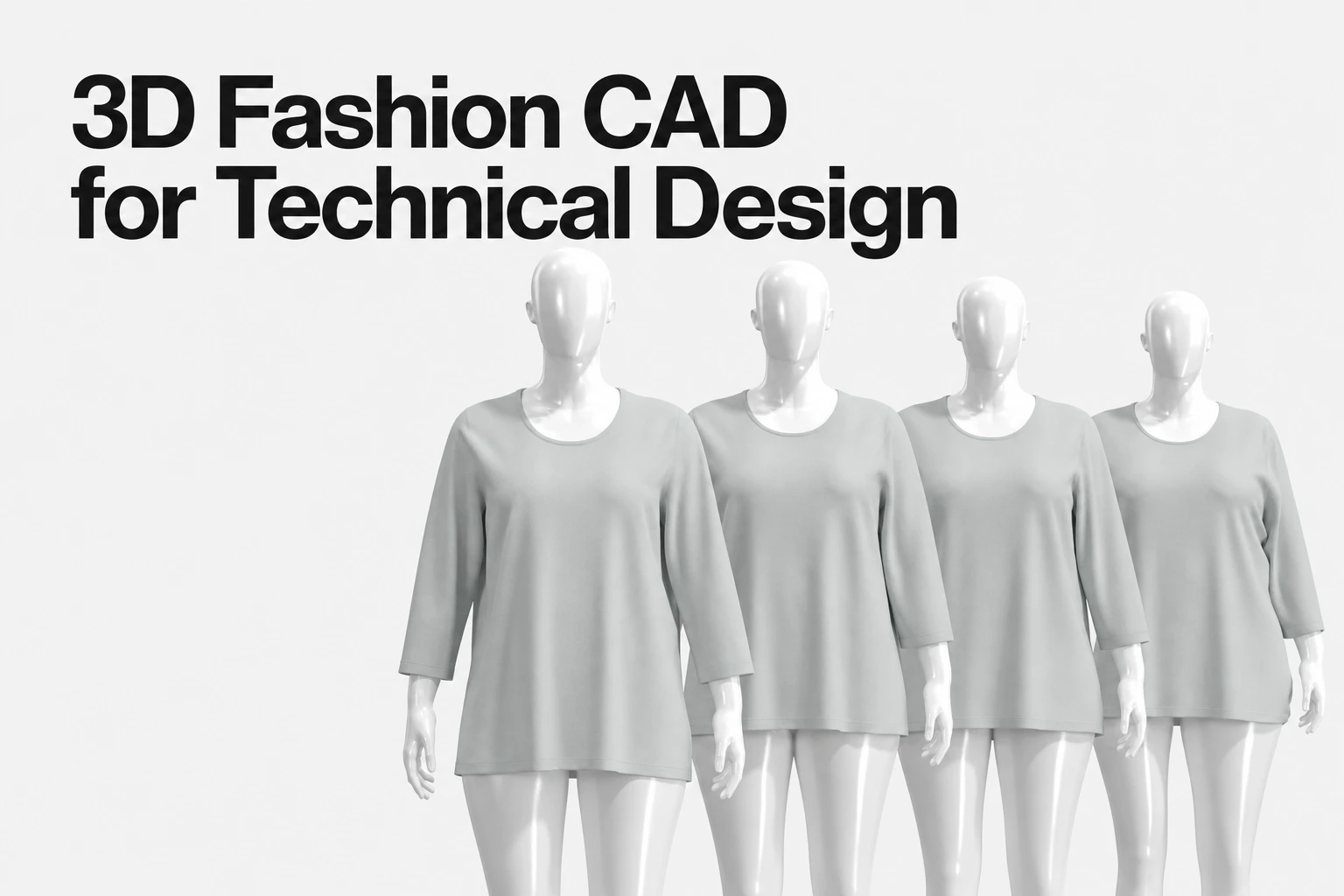
CLO supports 2D pattern creation and editing alongside 3D garment simulation. This gives technical designers a connected environment for developing a pattern and assessing a simulated garment as the design evolves. See CLO’s synchronization guidance for details about the workflow.
For measurement-led development, Pattern Drafter supports creating parametric patterns from measurements. CLO also provides points-of-measure and grading workflows, helping teams organize measurement information and review graded results as part of pattern development.
A practical review loop is:
- Start with a defined block or pattern: Create the pattern in CLO or bring in an approved starting pattern for the project.
- Set construction and measurement intent: Establish sewing relationships, key points of measure, and the grading approach for the garment.
- Simulate and inspect: Review the garment on an appropriate avatar, then use the 3D result to identify areas that may need pattern or construction adjustments.
- Recheck after edits: Run the simulation again after pattern changes and compare the result with the intended fit and physical reference.
Use fit maps to support fit decisions
CLO uses fabric physical properties to determine and apply maximum wearable strain. This gives technical designers a fabric-informed view to support fit review as they develop and refine a garment.
For a reliable technical decision, review the pattern, avatar measurements, garment construction, and fabric settings together. Compare important fit questions with an approved sample or other physical reference, especially where material behavior, construction, or end use calls for hands-on validation.
Prepare a clearer production handoff
CLO supports common apparel production-data workflows, including pattern-file exchange and production information. Its compatible-file-format reference outlines import and export options; verify the required format, settings, and destination workflow before handing files to a factory or another team.
CLO-SET complements CLO as a separate collaboration and product-development platform. CLO-SET supports review, collaboration, and presentation, while CLO remains the garment design, patternmaking, and simulation environment. Keeping those roles distinct helps teams connect design work with review without confusing the two products.
Student access
CLO offers a Student plan for verified students. See the official student discount guidance for current eligibility and verification steps.
Frequently asked questions
How does CLO support technical design?
CLO connects 2D pattern development with 3D garment simulation, measurement-led drafting and grading workflows, and fit review. Technical designers can use the digital sample to review decisions during development and prepare a clearer handoff.
Can fit maps replace physical fitting?
No. CLO’s simulation supports digital fit review, but teams should consider the pattern, avatar, construction, and fabric information used. Use physical validation where the garment or development decision requires it.
How can students access CLO?
CLO offers a Student plan for verified students. Visit the official student guidance for current eligibility and verification information.
Can CLO-SET be used with CLO?
CLO-SET is a separate collaboration and product-development platform that supports review, collaboration, and presentation alongside CLO’s garment design and simulation work.
Bring your technical design workflow into CLO
Explore CLO for 2D pattern development, 3D garment simulation, fit review, and production-focused workflows.
Related reading