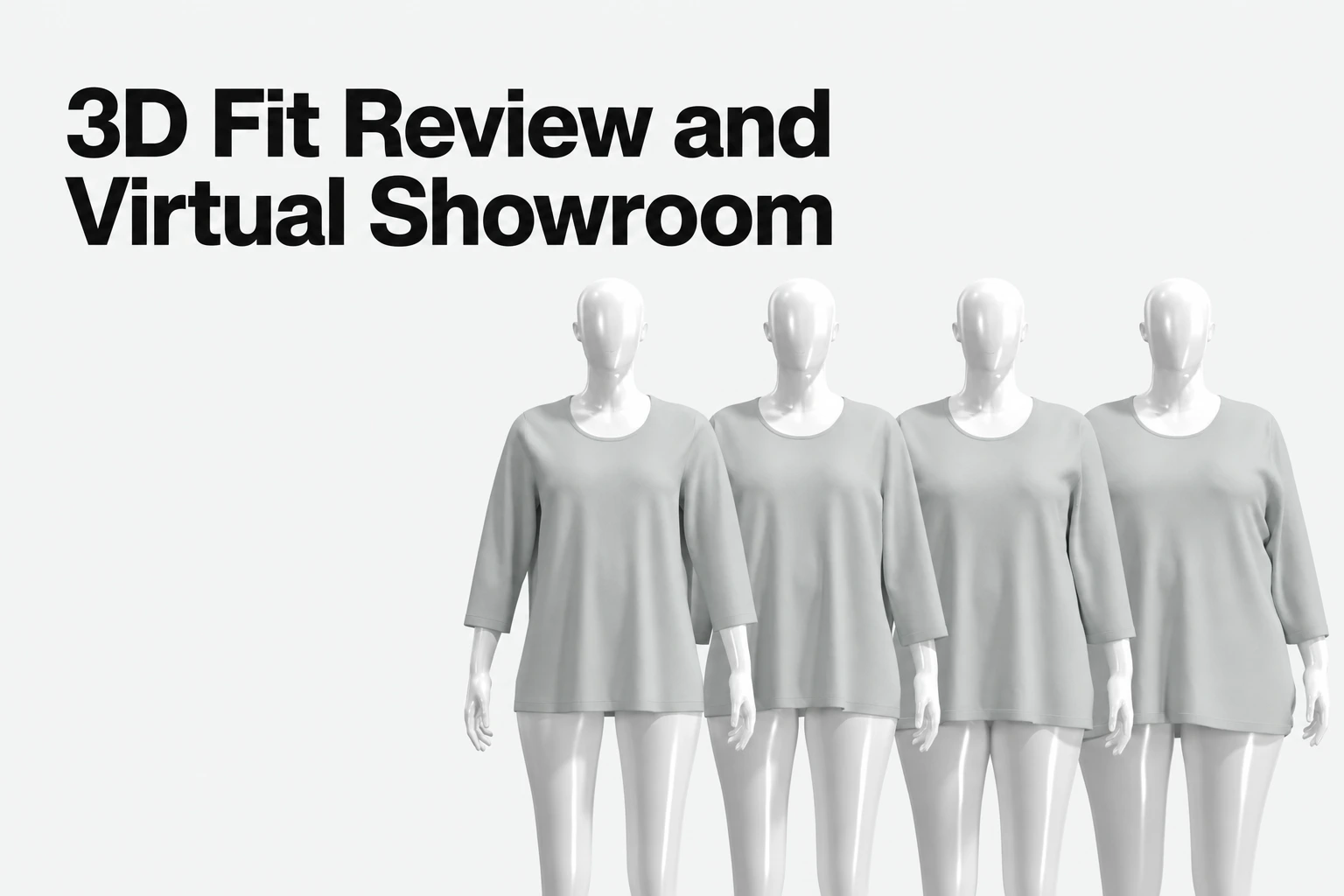
CLO for Fashion Design: Pattern Drafting, 3D Fit Review, and CLO-SET Collaboration
A practical guide to CLO’s measurement-led pattern development, 3D garment simulation, fit review, student access, learning resources, and CLO-SET collaboration.

Key takeaways
- A connected fashion workflow: CLO brings 2D pattern work and 3D garment visualization together, so designers can review a garment as they develop it.
- Measurement-led pattern work: Pattern Drafter supports drafting from measurement points or flat sketches, editing parametric patterns, and adding grading values for a size range.
- Useful fit-review tools: CLO Fit Maps can show simulated fabric stretch and help teams inspect garments on screen before deciding what needs further review.
- A separate collaboration layer: CLO-SET supports browser-based 3D review, comments, asset versions, and controlled access around shared garment files.
- Learning and verification: CLO Academy is included at no additional charge for individual subscribers, including active students. CLO Verified is a separate paid assessment for candidates seeking an official proficiency certificate.
CLO’s role in fashion product development
CLO is designed for fashion teams that want to develop garments through a connected 2D and 3D workflow. Designers can work with patterns, simulate garments on digital avatars, and review how fabric and garment construction appear together. CLO describes its purpose as helping teams design, validate fit, and prepare garments for production in 3D (CLO product overview).
That combination is useful across early design exploration and technical development. A designer can build or import a pattern, assemble and simulate the garment, then return to pattern changes as the design evolves. The 3D view provides visual feedback; it does not remove the need for patternmaking expertise, material judgment, or physical checks where the product and production process require them.
For teams evaluating fashion CAD, the practical question is not simply whether a tool can show a garment in 3D. It is whether its pattern workflow, garment simulation, review process, and production handoff suit the work the team needs to do. CLO’s clearest strength is keeping garment creation and visual evaluation closely connected in a fashion-focused workspace.
Pattern drafting and size development
CLO Pattern Drafter gives designers a direct way to create and refine patterns within the garment-development workflow. CLO’s help documentation describes starting from measurement points or a flat sketch, choosing measurement views, matching measurements to a CLO avatar, and creating parametric patterns. Defined pattern measurements can also generate points of measure for inspection (Pattern Drafter guide).
The parametric approach helps preserve relationships within a drafted pattern as a designer makes supported measurement edits. Users can update a pattern through Pattern Drafter or its Edit POM workflow; CLO’s guide notes that direct edits to a parametric pattern can break its connection to Pattern Drafter. This is a useful distinction for teams building repeatable pattern workflows: use the intended editing tools when preserving those relationships matters.
For size development, Pattern Drafter allows users to add sizes and enter either complete measurement values for each size or grading increments between sizes. This gives patternmakers a clear starting point for building and reviewing a graded pattern set. It does not make production decisions automatically: technical teams remain responsible for confirming construction details, fit intent, and manufacturing requirements.
CLO also documents an AI-assisted Pattern Drafter workflow that can use a sketch to generate measurements for a drafted pattern. Treat this as a way to accelerate an initial design step, not as a guarantee that an AI-generated result is factory-ready without review. Patternmakers should check the geometry and construction before releasing patterns for production.
3D simulation and fit review
CLO connects 2D pattern development with 3D garment simulation, letting designers assess silhouette, drape, and garment behavior on an avatar as they refine a design. CLO’s product overview highlights fabric behavior, pattern editing, and fit review as parts of this workflow.
Fit Maps add a visual way to inspect simulated garment stretch. CLO’s guide explains that the tool can display stretch as a percentage, use a global scale or fabric-specific stretch limits, and show detailed values at a selected point on the simulated garment (CLO Fit Maps guide). These views can help technical designers identify areas that merit closer review. Because the output reflects a simulation and its material inputs, it should be treated as one source of fit information—not as a direct measurement of wearer comfort or a substitute for every physical validation step.
A published study provides a useful, bounded example of simulation validation. Researchers evaluated simulated garments using measured woven-fabric properties and compared the results with physical blouse and trouser prototypes under movement. They reported average differences between digital and physical prototype deformation data of up to 6%, with an 8% standard deviation (study in Polymers). The result reflects that study’s garments, fabric, methods, and test conditions; it is not a universal accuracy guarantee for every CLO project or material.
CLO-SET for sharing and review
CLO focuses on creating and simulating garments; CLO-SET can extend that work into shared review and asset collaboration. In CLO-SET, teams can share garment files and related assets in workrooms, review 3D garments in a browser, attach comments to assets, track versions, and manage access (CLO-SET workflow overview).
This separation keeps the roles clear: CLO is the garment-design and simulation workspace, while CLO-SET helps teams organize and discuss the resulting digital assets. A design team can use CLO for garment development and use CLO-SET when reviewers or external partners need a shared view of a garment and its review context. The right setup depends on who needs to view, comment on, edit, or download the files, so teams should configure access to match their collaboration process.
Student access, learning, and certification
Active students enrolled at accredited universities can qualify for a CLO Individual subscription through the student offering. Students are eligible for the student discount after submitting suitable enrollment documentation and having their status verified by CLO. CLO’s guidance describes school-email verification or document-based verification; when documents are submitted, checkout pauses while CLO support reviews them. Students should complete verification as directed during signup and check CLO’s current student discount guidance for eligibility and accepted documentation.
CLO Academy is 100% free for individual subscribers, including active students, with access included at no additional charge while the individual license is active. CLO’s Academy guidance describes a structured course sequence and progress tracking. CLO Academy does not currently offer quizzes or certificates of completion (CLO Academy FAQ).
For formal skills verification, CLO offers a separate, paid assessment called CLO Verified. It is an assessment rather than a training course. Candidates who pass receive an official CLO certificate verifying proficiency in the software version tested (CLO Verified details).
Who should consider CLO?
CLO is a strong fit for fashion designers and technical teams who want to develop patterns and evaluate garments in 3D as part of the same creative process. Its measurement-based drafting, pattern editing, graded-size setup, garment simulation, and Fit Maps support an iterative workflow from early design through fit review.
It is also a practical option for individual users, freelancers, and students who want to build fashion-specific 3D skills through an individual subscription and included CLO Academy learning resources. Teams that need shared asset review can consider CLO-SET alongside CLO, with permissions and review practices tailored to their own collaborators.
The best evaluation is a representative garment workflow: draft or import a pattern, make the kinds of edits your team routinely needs, simulate it with relevant fabric properties, review the fit, and confirm that the resulting files and collaboration steps work for your production process. This keeps the decision focused on the garment work your team actually does.
Can CLO draft patterns from measurements?
Yes. CLO Pattern Drafter supports measurement-led pattern creation, pattern editing, and grading setup. Its guide also describes using a flat sketch and matching drafted measurements to a CLO avatar. Patternmakers should still review the result for design intent, construction, and production requirements.
Can CLO help review fit before physical sampling?
CLO supports 3D garment simulation and Fit Maps for visual inspection of simulated garment stretch. These tools can help teams identify areas to review, but simulation results depend on the garment and material inputs and do not replace every physical validation step.
Is CLO Academy free for students?
CLO Academy is included at no additional charge for individual subscribers, including active students. Access is tied to an active individual license. CLO Academy currently does not offer quizzes or certificates of completion.
Does CLO Academy provide a certificate?
No. CLO Academy course completion does not currently provide a certificate. CLO offers a separate paid assessment called CLO Verified; candidates who pass receive an official CLO certificate verifying proficiency in the software version tested.
How can an active university student get the CLO student discount?
Active students enrolled at accredited universities can qualify for the CLO Individual student offering. Student status must be verified, either through the school-email process or by submitting accepted enrollment documentation for review by CLO support. Check CLO’s current student discount guidance for the latest process.
What is the difference between CLO and CLO-SET?
CLO is used to create and simulate digital garments. CLO-SET supports shared asset organization and collaboration, including browser-based 3D review, comments, version tracking, and access controls. Teams can use them together when they need both garment development and shared review.
Explore CLO for fashion design
See how measurement-led pattern work, 3D garment simulation, and fit review can support your apparel workflow.
Related reading