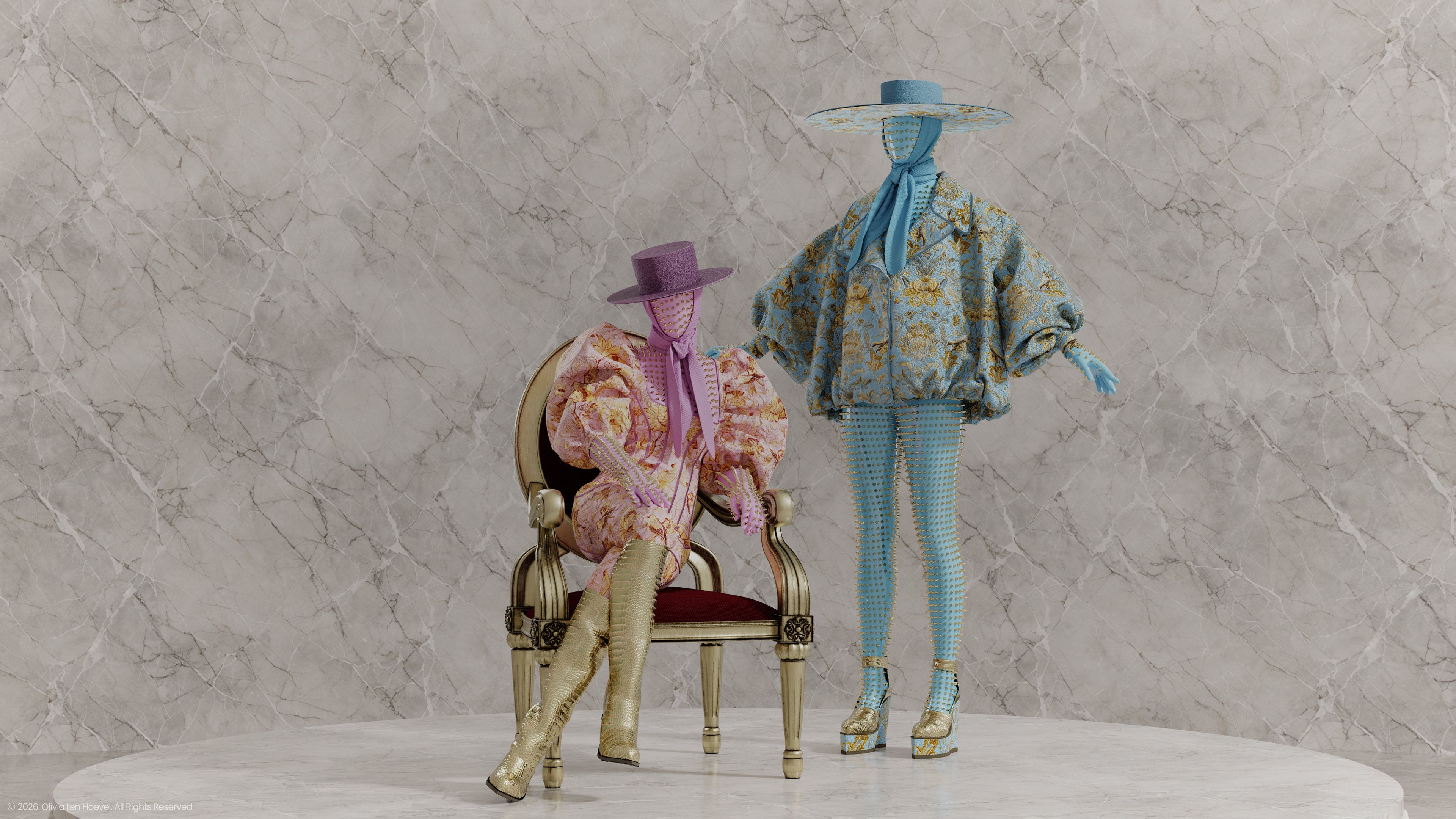


CREATE
REAL GARMENTS
IN REAL-TIME
CREATE REAL GARMENTS IN REAL-TIME
Accurately visualize the fabric, fit and silhouette of your designs as fast as you can imagine them.
LEARN MORESIMPLE, YET INTUITIVE
CLO gives you a familiar, easy-to-use interface which enables you to visualize your designs in a way that is quick and hassle-free.
LEARN MOREEFFICIENT FROM
END-TO-END
Significantly shorten your time-to-market with virtual sampling and remote collaboration.
LEARN MORE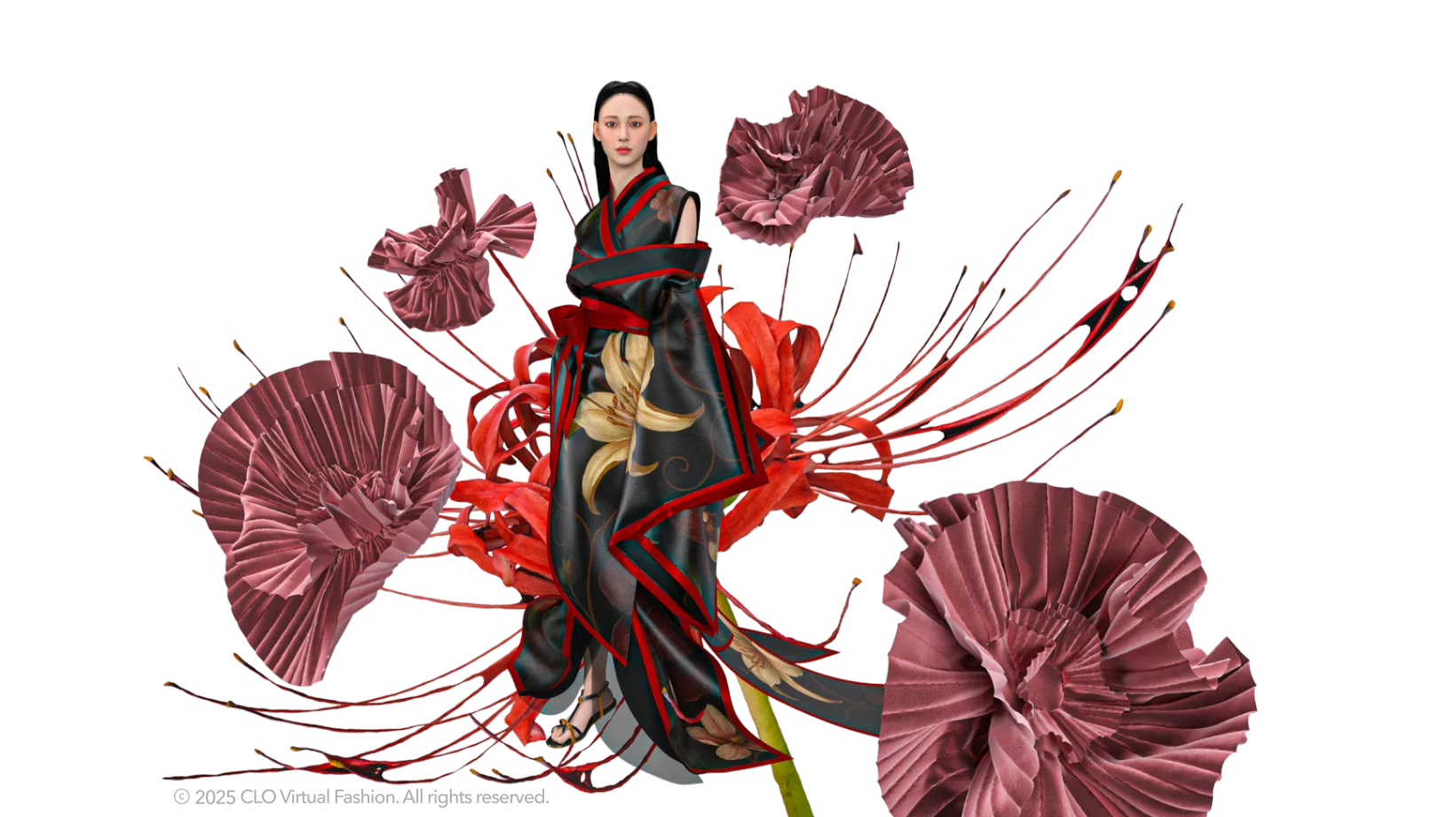
CREATE SUSTAINABLY
Designing with virtual garments reduces sample production, shipment and material waste.
LEARN MORECREATE SUSTAINABLY
Designing with virtual garments reduces sample production, shipment and material waste.
LEARN MORESEE HOW CLO IS TRANSFORMING THE INDUSTRY
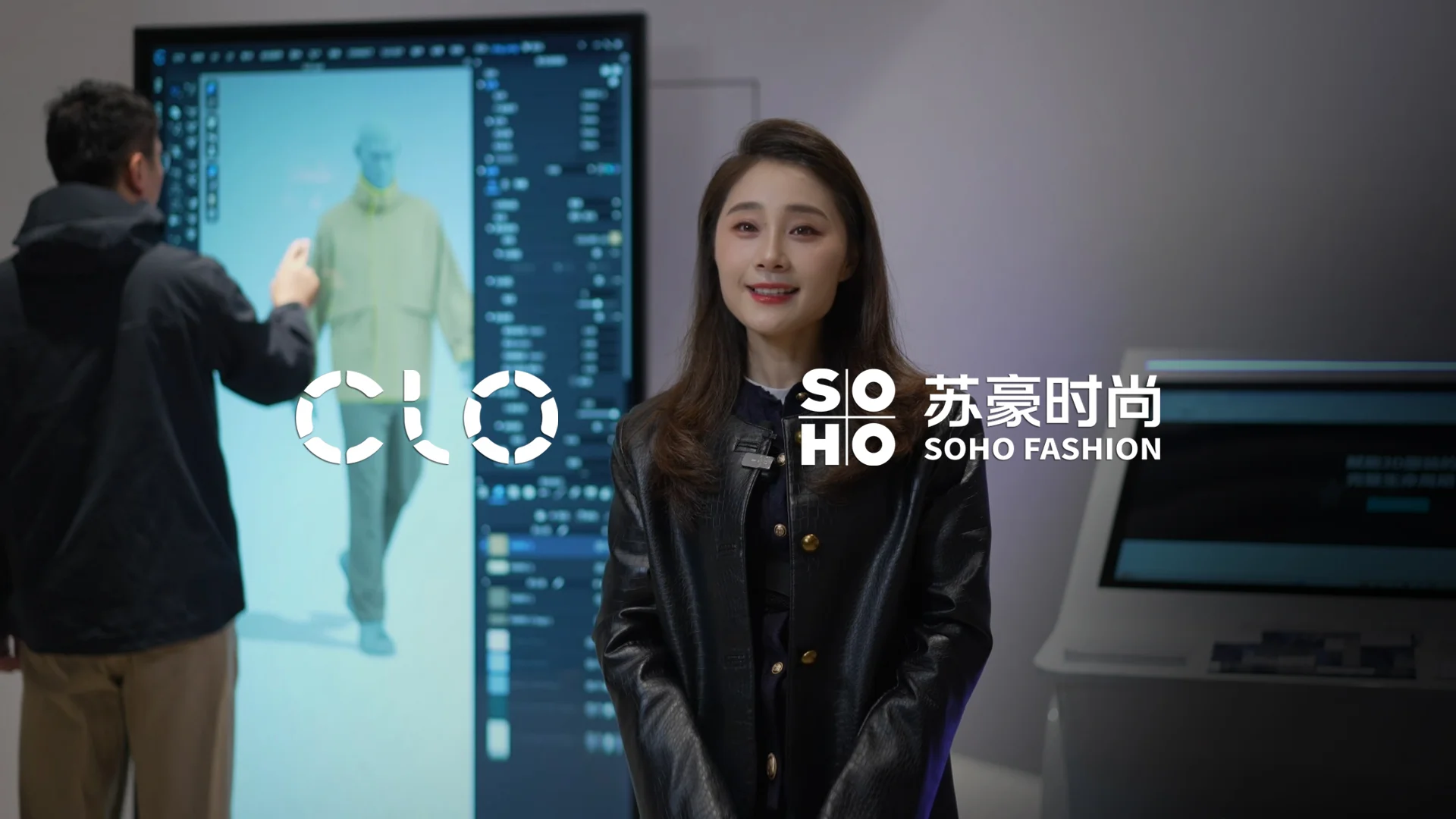
"SOHO FASHION is partnering with CLO to realize our shared vision for a digitized fashion industry. On one hand, we are using 3D virtual patternmaking technology to make production more sustainable and intelligent, allowing us to respond quickly to customer needs and communicate efficiently through visual solutions. On the other hand, we are building a cloud-based design hub that integrates our years of accumulated technical resources and industry experience to meet a wide range of personalized needs. Throughout this process, CLO helps us empower the entire lifecycle of every garment."
SOHO FASHIONSatin, Director of DesignerSEE STORY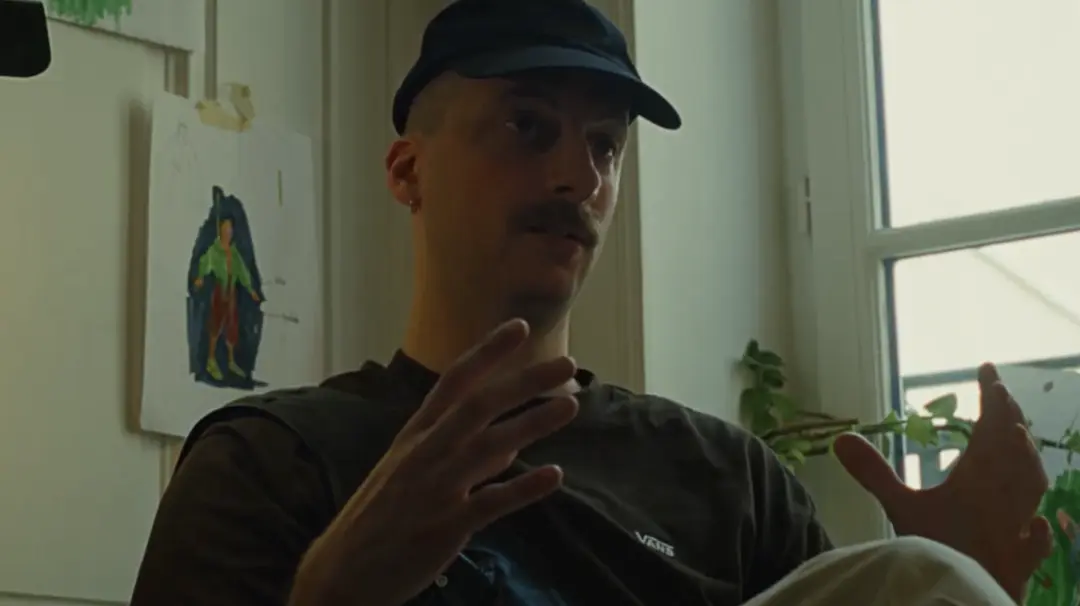
"With a tool like CLO, we can manipulate these pieces without physical contact, analyzing how they were worn, how the fabric draped, and how they are impacted by a body in motion. Whether someone is walking or running, we can see exactly how the garment reacts. Beyond that, it has demystified patternmaking for me."
Virgile BiosaVirgile Biosa, Art Director & 3D Apparel DesignerSEE STORY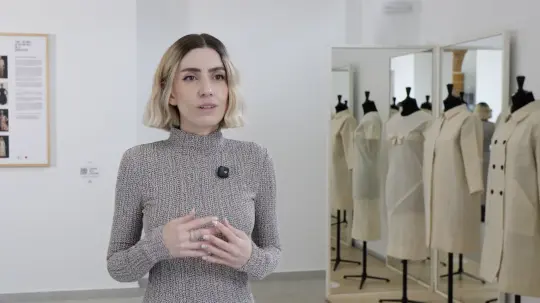
"CLO was absolutely essential in this process. It allowed us to test different hypotheses regarding garment construction efficiently. We were able to save a significant amount of time and materials. Since we did not know either the measurements or the overall body shape that was meant to go under each of those toiles, CLO's Avatar Editor became the key tool".
CSDMM-UPMGuillermo Garcia-Badell, Director, and Maria Luisa Calvo, Head of Research and ProfessorSEE STORY